
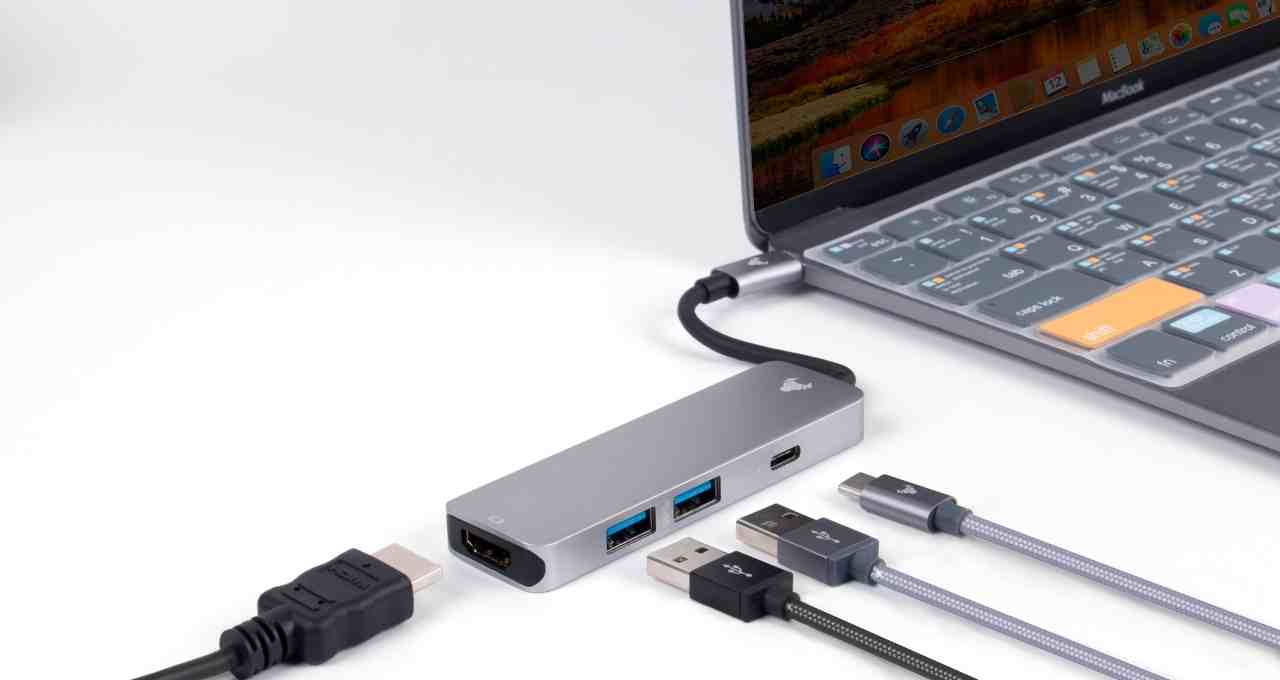
USB, or Universal Serial Bus, is a standard that defines the cables, connectors, and protocols used in connection, communication, and power supply between computers and electronic devices. It was designed to replace a wide range of earlier interfaces, such as serial ports and parallel ports, and to provide a high-speed, standardized connection interface for a wide range of devices.
USB was first introduced in 1996, and has since become the most widely used interface for connecting devices to computers. It is used in a wide range of devices, including smartphones, tablets, laptops, keyboards, mice, printers, scanners, and external hard drives.
How does USB work?
USB works by using a four-wire bus to connect devices to a computer. The four wires are:
- VBUS: This wire provides power to the device.
- D+: This wire is used to transmit data from the device to the computer.
- D-: This wire is used to transmit data from the computer to the device.
- GND: This wire is used for grounding.
USB devices can be connected to a computer in two ways:
- Directly: Some USB devices, such as keyboards and mice, can be connected directly to a USB port on the computer.
- Using a USB hub: USB hubs allow you to connect multiple USB devices to a single USB port on the computer.
When a USB device is connected to a computer, the computer automatically detects the device and installs the necessary drivers. Once the drivers are installed, the computer can communicate with the device and use it.
Types of USB connectors
There are a number of different types of USB connectors, but the most common are:
- USB Type-A: USB Type-A connectors are rectangular connectors that are used on most computers and USB devices.
- USB Type-B: USB Type-B connectors are square connectors that are used on some USB devices, such as printers and scanners.
- USB Type-C: USB Type-C connectors are oval connectors that are becoming increasingly common. USB Type-C connectors are reversible, which means that they can be plugged in either way.
Benefits of using USB
There are a number of benefits to using USB, including:
- Convenience: USB is very convenient to use. USB devices are easy to connect and disconnect, and there are no cables to worry about.
- Speed: USB can be very fast, especially when using newer USB versions such as USB 3.2 Gen 2×2.
- Compatibility: USB is very compatible. Most computers and USB devices support USB.
- Versatility: USB can be used to connect a wide range of devices to computers.
How to use USB
To use USB, simply connect your device to a USB port on your computer. If the device is new, the computer will automatically detect the device and install the necessary drivers. Once the drivers are installed, you can use the device.
Troubleshooting USB problems
If you are having problems with USB, there are a few things you can try:
- Restart your computer.
- Try connecting the device to a different USB port.
- Try connecting the device to a USB hub.
- Try unplugging and replugging the device.
- Try updating your USB drivers.
If you are still having problems, you may need to contact the manufacturer of your device for support.
Conclusion
USB is a convenient, fast, and versatile interface for connecting devices to computers. It is the most widely used interface for connecting devices to computers, and it is supported by most computers and USB devices.
